Markdown
Reports, notes and summaries are rendered right on the canvas.
A Markdown report written by a step is shown in the card with its formatting: headings, lists, tables and code. Custom text in a resource is rendered the same way.
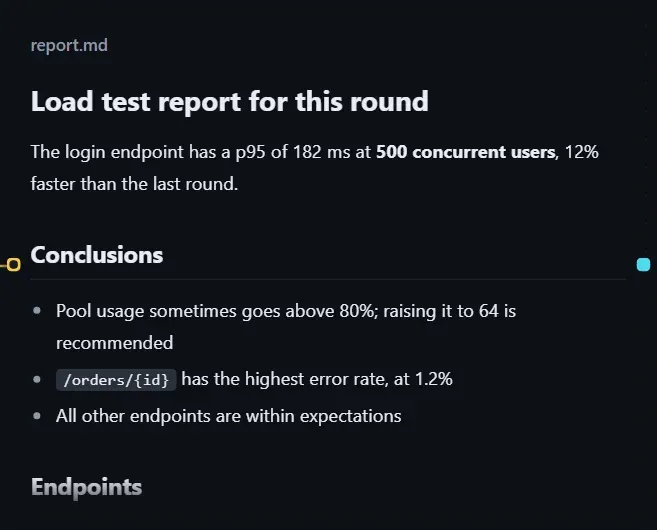
Select a resource card that points to a .md file, turn on Show on the canvas, and choose size M or L. Zoom adjusts the font size.
Viewer
Section titled “Viewer”Double-click the card to open the viewer, where you can switch between Preview and Source.
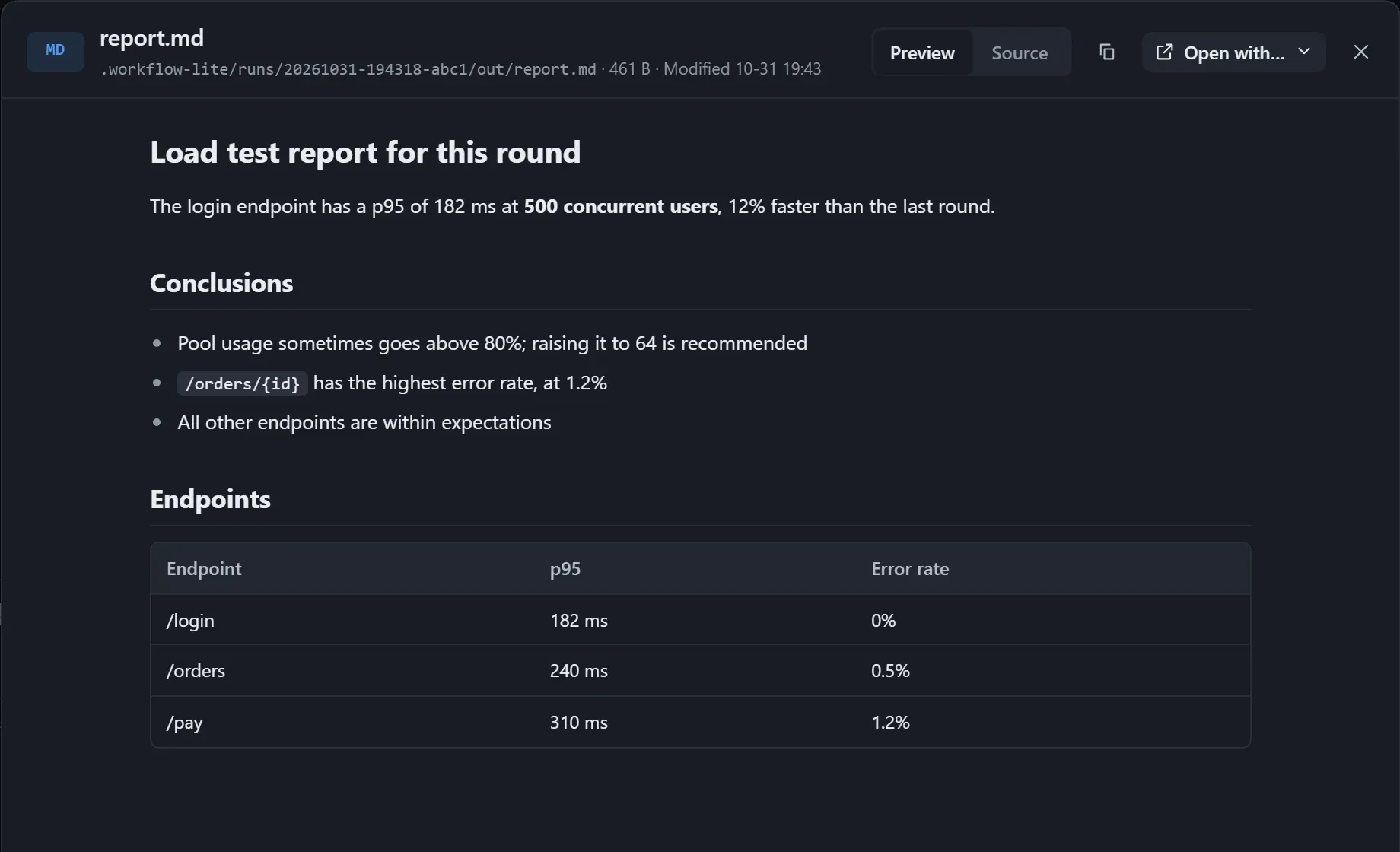
- Images referenced by relative path in the report can be shown.
- In a loop, each round’s report is saved as a version; in the viewer, use Versions to compare line by line or to compare the formatting side by side; see Reviewing each round’s output.
- With Have the model fit the card on, the report puts its conclusion first.