Check each round's output on a dashboard
Have a step write its result as a web page or report, show it right on the canvas, and look back round by round.
There is no need to open the file: the latest result is on the canvas, and earlier rounds can be compared.
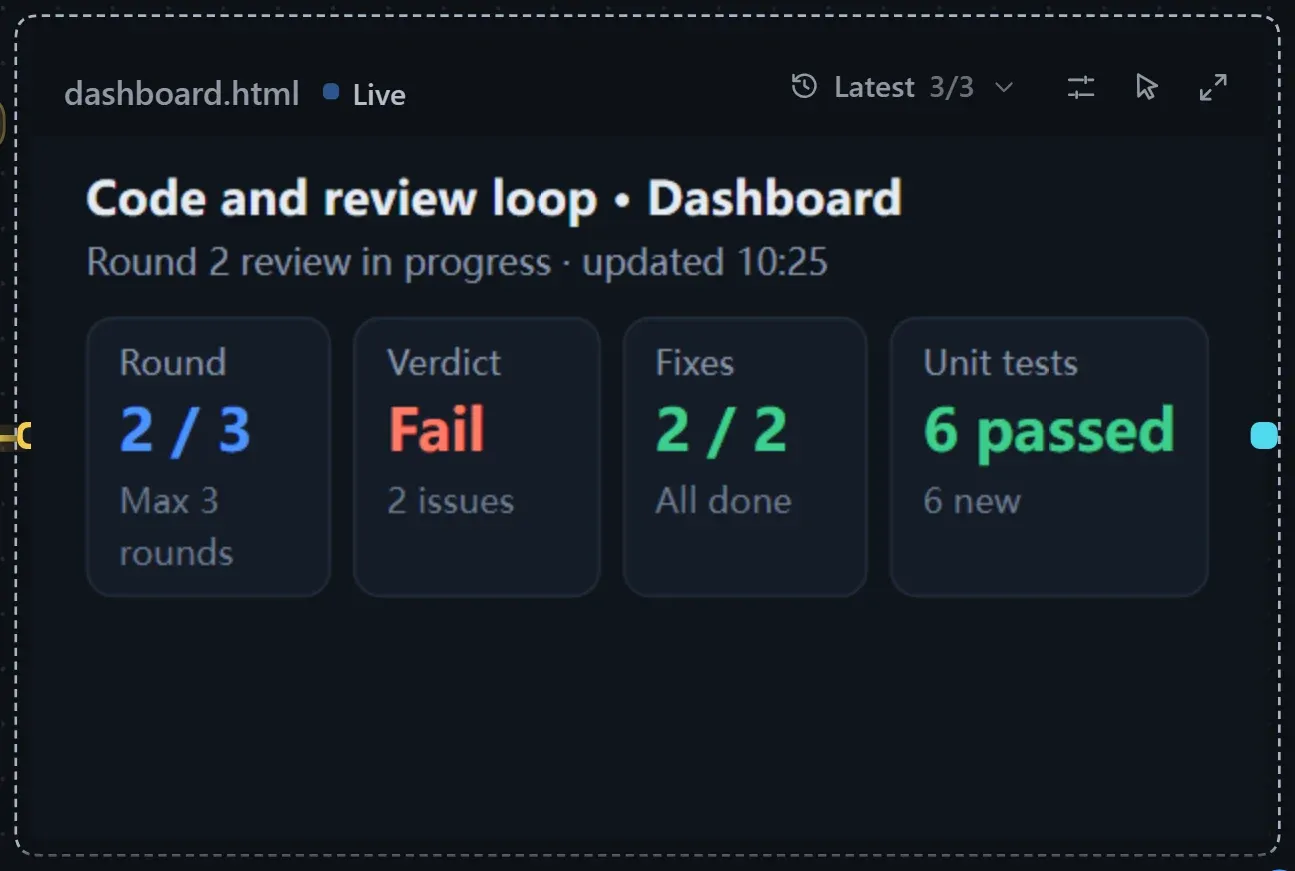
Build it
Section titled “Build it”When the model builds the workflow from the conversation, it adds a dashboard by itself to flows with a loop and metrics; for other flows, ask it to add one. To build it by hand:
- Have a step produce a finished file: in the prompt and generation rules of a step such as Summarise, name the file (for example
dashboard.htmlorreport.md), say how the content is organised, and state that every round overwrites the same file. - Turn it into a resource card: drag from the dot on the right of the step to an empty spot and choose Output file. See Resources.
- Turn on display: select the resource card and turn on Show on the canvas in the right panel.
| Content | Suggestion |
|---|---|
| Web dashboard | M, with zoom left at 100%; the card shows a one-screen summary and the viewer shows everything. |
| Markdown report | M. |
| Image | Use Fit for placement. |
Have the model fit the card is on by default, so the step that writes the file knows how big the card is. See Canvas display for more settings.
Run and look back
Section titled “Run and look back”Turn on Record run state and click Run. While the step that writes the file is running, the card shows “Being written…” and Live appears next to the title; when it finishes, the card switches to the latest content and lights up Updated. Click Interact to scroll inside the card, and double-click to open the viewer.
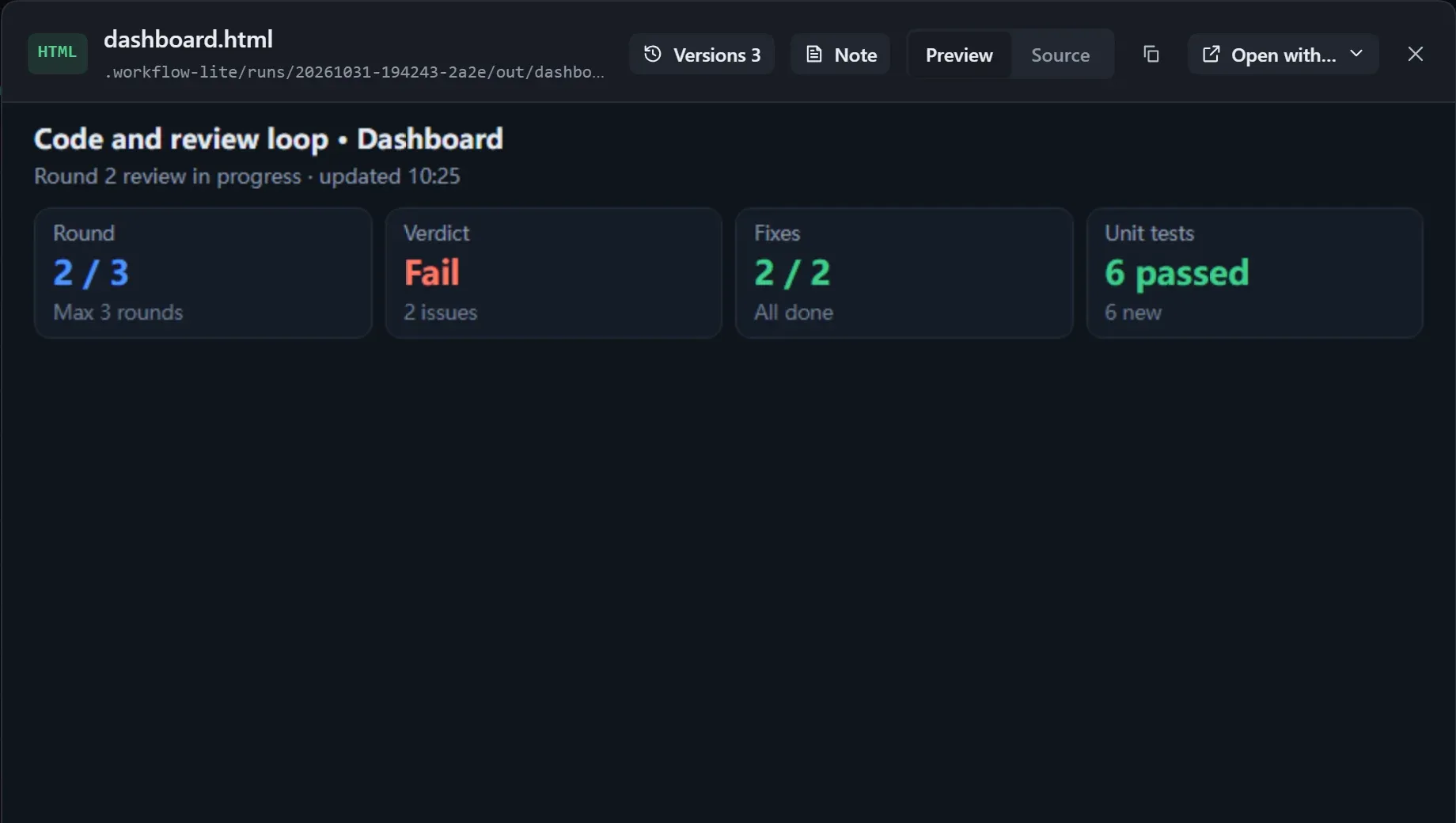
With a loop, a version is saved after every round, and a ruler appears under the card when the pointer is over it: hover or drag to switch versions, or use the arrow keys. In the viewer’s Versions you can pick two rounds to compare.
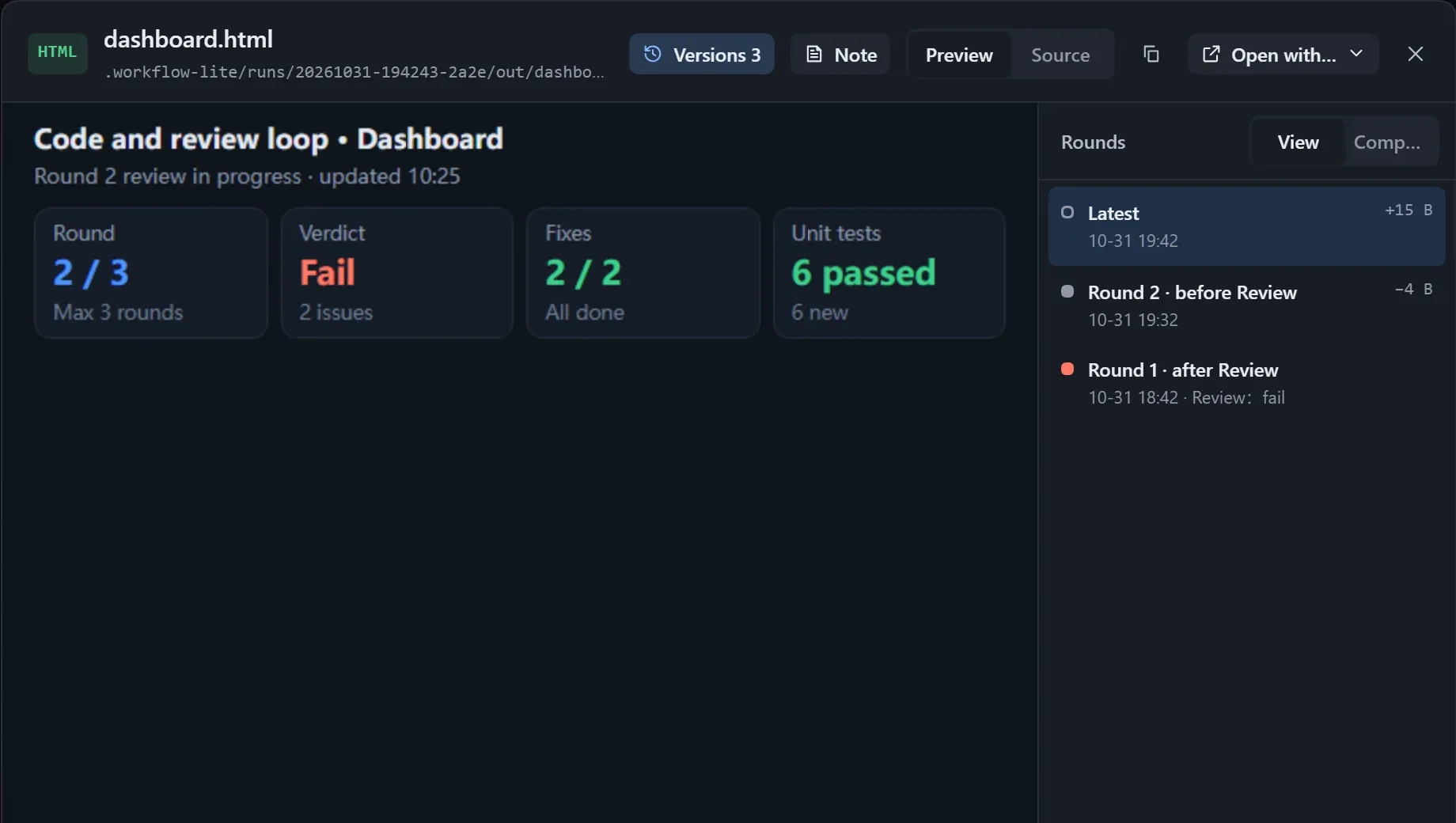
See Reviewing each round’s output for details.
- If the file is too large, the card shows “Too large to show on the canvas”. Open the viewer, or have the step produce a leaner version.
- On the workflow canvas (not an instance), the card shows the content of the most recent run.
- Per-round versions are saved only when running inside the plugin.