Memory (experimental)
Let a workflow write down what worked, and follow it next time.
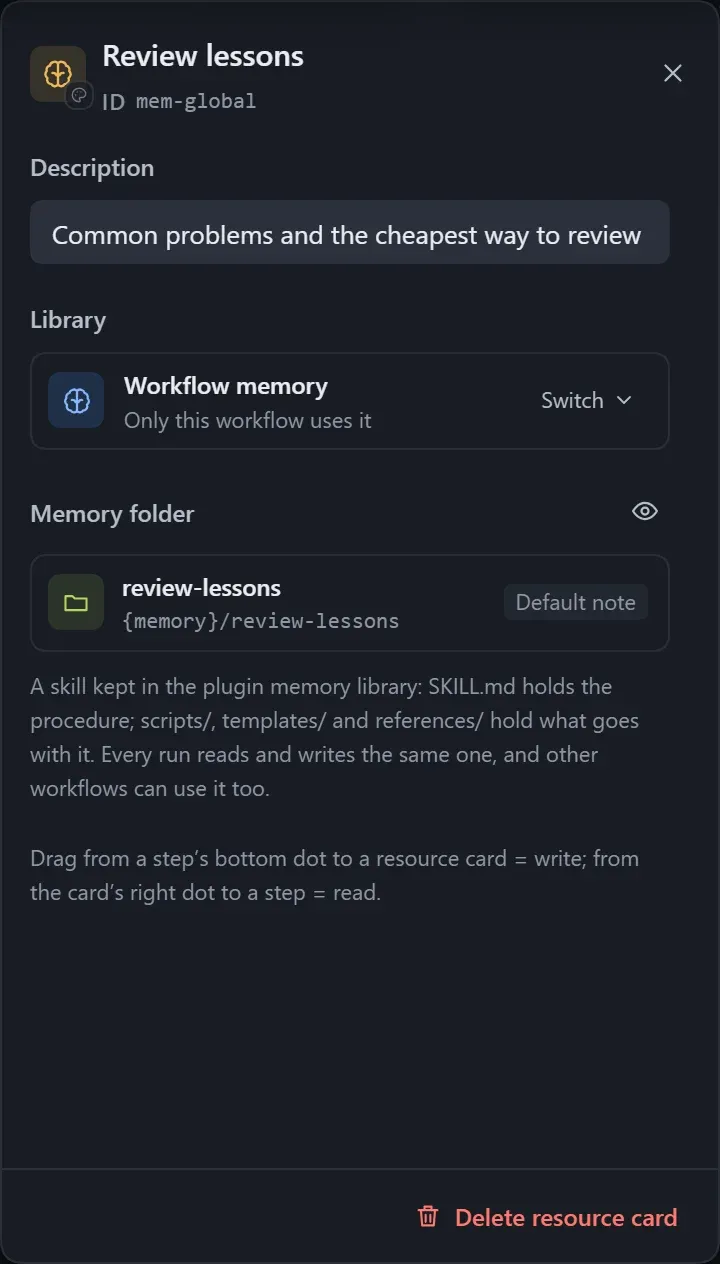
Memory keeps the procedures that were worked out and the pitfalls that were hit, and reads them first next time, so there are fewer lookups and fewer rounds of thinking. A memory is a skill, and several workflows can share one.
| Type | Effect |
|---|---|
| Step memory | Attached to one step; the step writes what worked into it and follows it next time. |
| Workflow memory | Shared by the whole workflow; read-only before each step, and tidied up by the main agent at the end. |
- Step memory: drag from the dot at the bottom of a step to an empty spot, choose Memory, then pick an existing entry from the library or create one.
- Workflow memory: drag Memory from Basics in the step library, or right-click an empty spot and choose Global memory.
- Click Turn on memory or Turn off memory to switch it; when turned off, the entry stays in the library.
- The Memory instructions can be edited; leave them empty to use the default.
Manage
Section titled “Manage”On the Memory page of the Workflow hub you can search, rename, view files, see which workflows use a memory, and delete it.
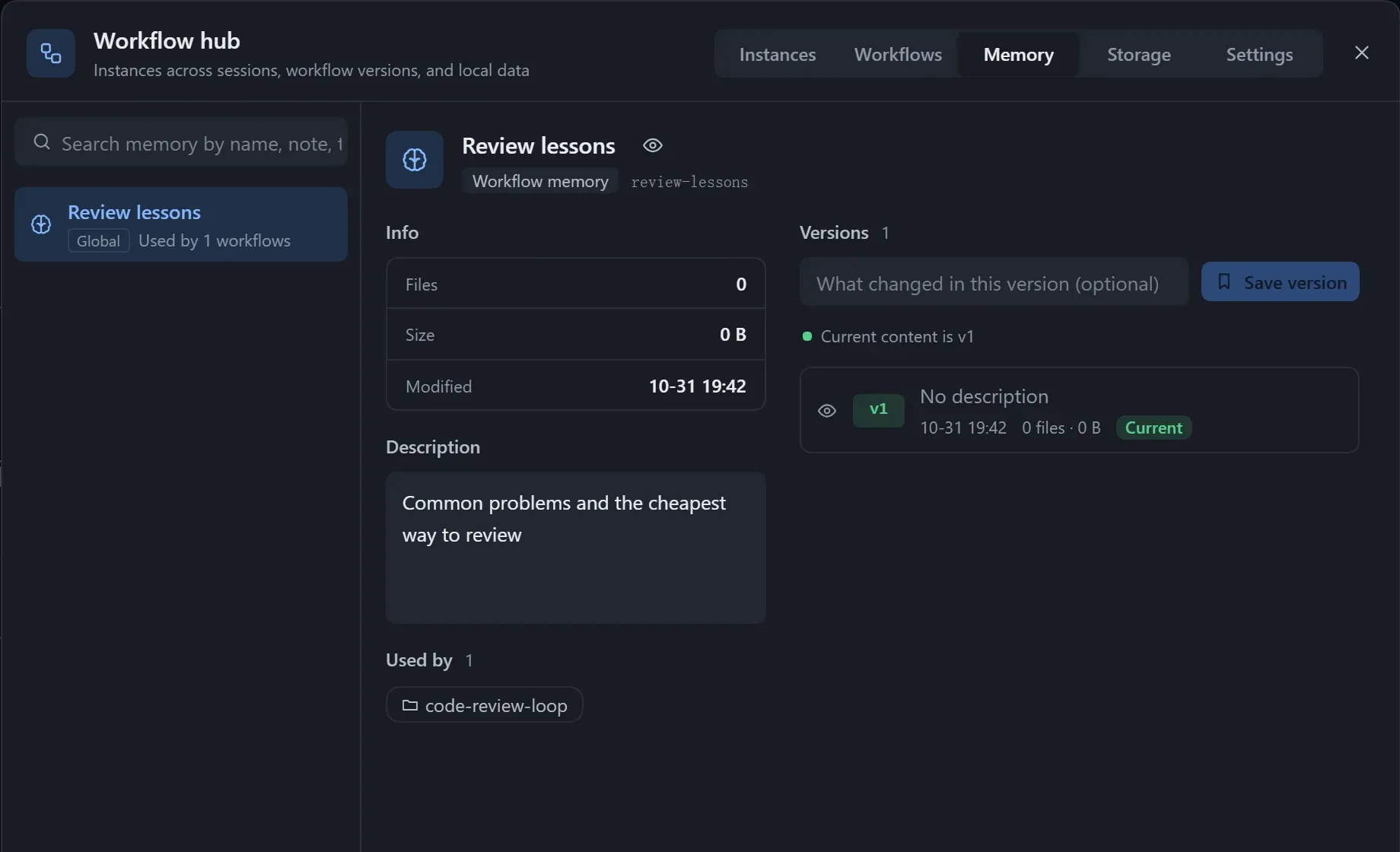
- Tick “With memories” when saving a workflow version, and each memory is saved as a version too, up to 100 kept.
- When exporting a workflow package you choose whether to include the memory content; on import, if the same entry already exists locally you can choose Keep mine or save a copy.
- When exporting as a skill, memories go into the
memory/folder.
- When several instances change the same memory at once there is no locking; the later write overwrites the earlier one.
- Re-exporting and installing a skill over an existing one overwrites the memories it has accumulated.
- When a referenced memory is no longer in the library, the Checks panel warns; pick another, or start accumulating from empty.